NEWS
On 14 July 2026, Google started rolling out a change to Help me write in Gmail. In plain terms, you can now fix an Ai email draft by typing your own instruction, instead of only picking a preset button.
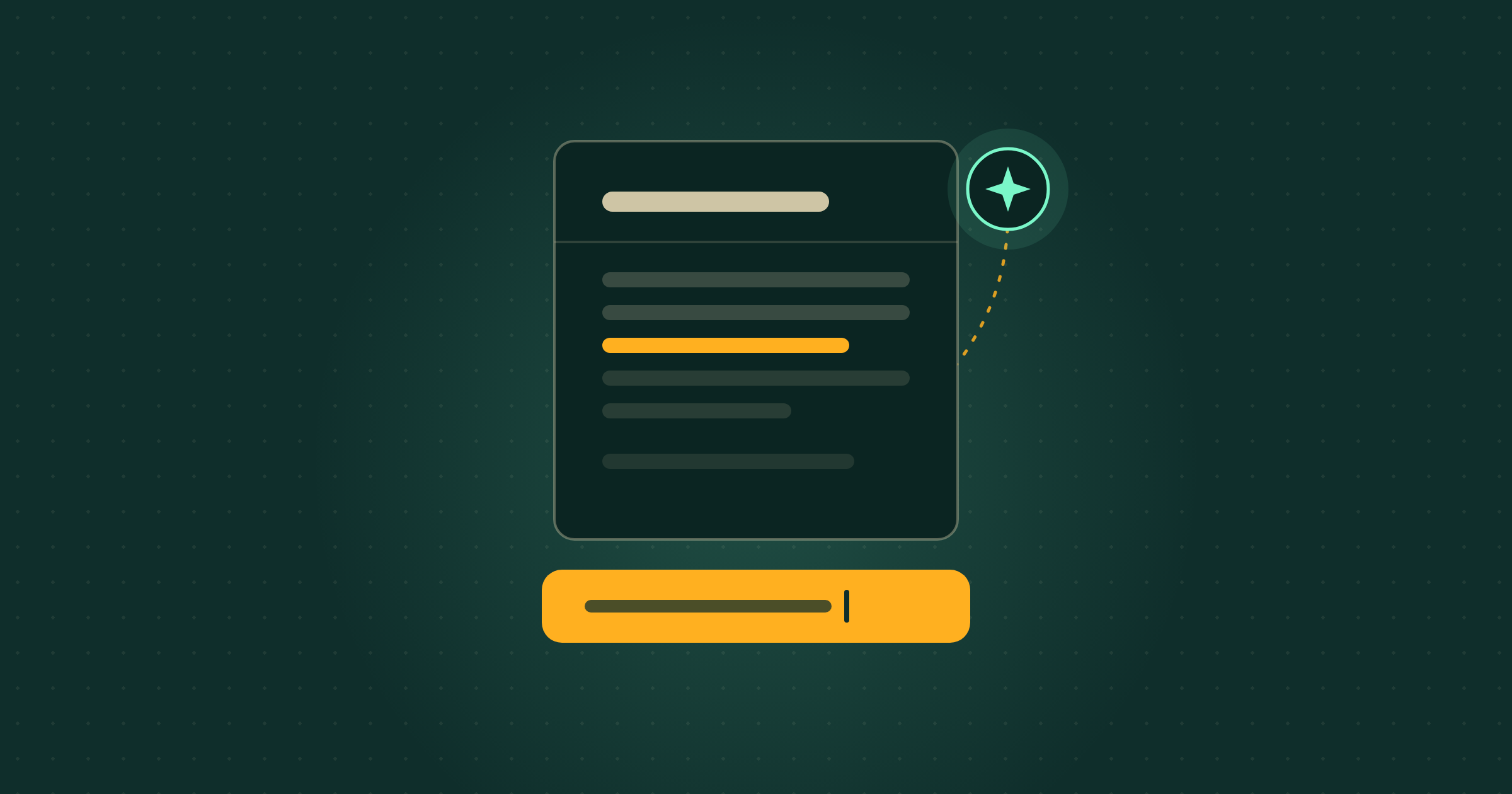
Help me write is the Gemini feature inside Gmail that drafts an email for you. Until now, once it produced a draft you could only tweak it with fixed buttons such as Polish and Shorten. The update adds a prompt bar: you type a follow-up in your own words, for example “make this warmer” or “add a line asking for the invoice by Friday”, and Gmail rewrites the draft on the spot, with undo and redo if you change your mind. Google is rolling it out now and expects every account to have it by 20 July 2026.
Do I need to do anything?
No. If your account already has Gemini in Gmail switched on, the prompt bar appears on its own as the rollout finishes. It is a paid Gemini feature, so it reaches Google Workspace Business and Enterprise plans and personal Google AI Plus, Pro and Ultra subscribers, not a free Gmail account. If you have it, the everyday win is small but real: instead of deleting a not-quite-right draft and starting over, you tell Gmail exactly what to change and let it do the retype.
Free guide
Not sure where to start?
Get the cheat sheet.
ChatGPT, Claude, Gemini, Microsoft Copilot, Perplexity, and NotebookLM. What each one is for, how to set it up, and what to do in your first hour. Plain English. Ten pages. No fluff.
Sent
Your guide is downloading.
Didn’t start? Download it manually here.
If you opted in, the next Tuesday Memo lands in your inbox on Tuesday morning.
You’ll also get the occasional email about Ai that’s actually worth reading. Unsubscribe whenever.