ARTICLE
Google Vids can turn a document into a narrated video
On 2 September 2026 Google added document to video summaries in Google Vids. Feed it a Google Doc, a PDF or a Word file and it writes a script, narrates it and builds the visuals. It is included on Business Starter, the cheapest Google Workspace plan, which is unusual for a new Ai feature.
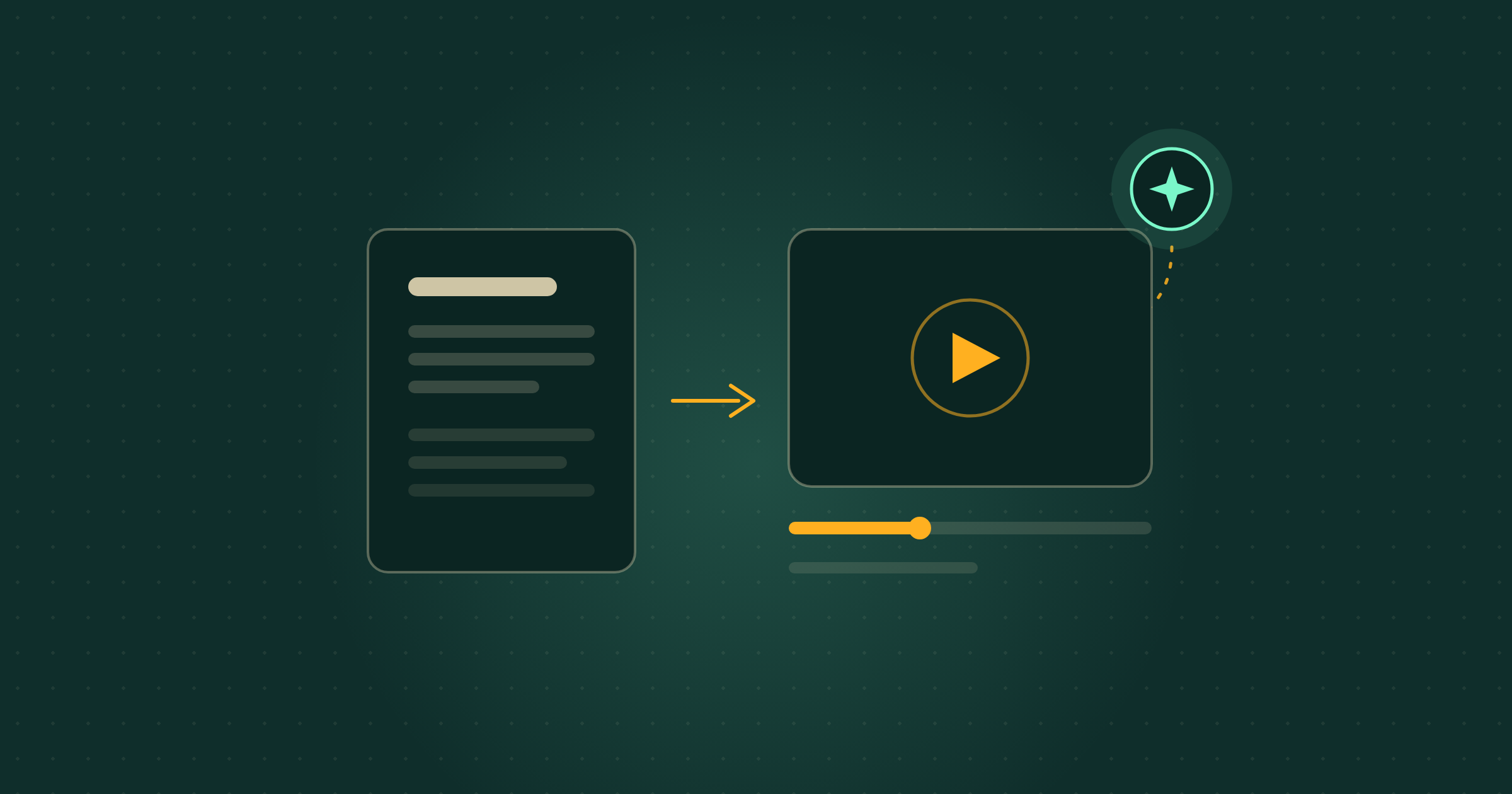
On 2 September 2026, Google announced that Google Vids can turn Google Docs, PDFs and Word files into video summaries. In plain terms: you hand it a document, it writes the script, reads it aloud in a synthetic voice and assembles the slides, and you edit the script before anything is generated.
The part worth noticing is not the feature, it is the plan list. Most Ai launches in Google Workspace this year have started on Business Standard and above. This one is on Business Starter, the entry plan a lot of very small UK firms sit on, and there is no admin switch to find and no setting to turn on.
What actually changed?
Google Vids is the video tool inside Google Workspace. Until now you started from a blank timeline or from a Slides presentation. From 2 September 2026 you can start from a document instead.
In Google’s own words, Vids “now allows you to transform static Google Docs, PDFs, and Word files into engaging video summaries. This new feature leverages AI to generate scripts and narration while providing custom visuals to bring your documents to life.” Google frames the use case as “catching up on training material, meeting notes or reviewing lengthy documentation and reports”.
There is no admin control for this and no end user setting. You either have it or you are waiting for the rollout.
How do you actually make one?
Seven steps, and only one of them needs any thought. Google’s help page for the feature sets it out like this: open Google Vids on a computer, click Convert Docs in the File menu, choose a .doc, .docx or .pdf file, then Next. Vids writes a script and splits it into sections, and each section becomes a scene in the video. You can delete sections you do not want, rewrite the text, and pick the Ai voiceover voice. Then you click Generate, and edit, share or export the finished video. You can also start from vids.new.
The script review step is the one that matters. It is where you catch the sentence the model got slightly wrong, before it is baked into a video someone in your team has to sit through.
Steps from Google Docs Editors Help, “Create summary videos from documents in Google Vids”. Google notes the feature “requires an eligible Google Workspace or Google AI plan”.
Which plans include it, and does it cost extra?
There is no separate charge. It is included in the plan you already pay for, if your plan is on Google’s list. Google names Business Starter, Standard and Plus; Enterprise Starter, Standard and Plus; Education Plus; Nonprofits; the Google AI Plus, Pro and Ultra consumer subscriptions; and the Google AI Pro for Education and Teaching and Learning add-ons for education.
Business Starter being on that list is the detail to take away. A three-person firm on the entry plan gets this without an upgrade, which was not true of the Slides recording feature we covered in August and is not true of several other Workspace Ai launches this year.
When will it appear in my account?
If your domain is on Rapid Release, it was available from 2 September 2026. If it is on Scheduled Release, the gradual rollout starts on 5 September 2026 and Google allows up to 15 days for the feature to become visible, so late September is the realistic date to stop waiting and start asking.
Most small firms never chose between the two tracks and are on Scheduled Release by default. If Convert Docs is not in your File menu this week, that is the likely reason, not a fault.
Are Google Vids video summaries actually any good?
Set expectations at “clear internal explainer”, not “marketing film”. A synthetic voice reading a generated script over generated visuals is fine for a policy update, a process change or a set of meeting notes that nobody read. It is not the thing you put on your home page or send to a prospective client, and Google is not claiming it is: the word in the announcement is summaries.
Google has not published a maximum document length, a maximum video length or a list of supported languages for this feature, so treat a very long report as an experiment. The honest test is to run one document you know well and judge the script against what it actually says.
What this means for your business
Take a nine-person care agency with a new medication policy. Today that policy is a six-page PDF emailed to staff, and the manager knows perhaps half of them will read it. With this, the same PDF becomes a three-minute narrated video: script reviewed and corrected by the manager in ten minutes, generated, then dropped into the team chat. Nobody buys software, nobody records anything, and the written policy still exists as the document of record.
Cost and effort verdict: no extra cost on any of the listed plans, and about fifteen minutes to try properly. Worth doing this week if you have induction material, a policy or a monthly report that people skim. The honest caveat: this is a summary generated by a model, so it can drop a qualification that matters. Review the script before you generate, never send the video as the only version of a policy, and keep the document as the thing people are held to.
What to ignore
Ignore the idea that this replaces training. A three-minute narrated summary raises the chance someone absorbs the gist. It does not evidence that a staff member understood a safeguarding policy, and it will not satisfy anyone auditing you.
Ignore the rush as well. There is no launch window here and no promotional pricing attached. The rollout runs into late September for most domains, and the feature will be exactly as useful in October.
What should a small business do next?
Two steps, both under twenty minutes. First, open Google Vids and look for Convert Docs in the File menu. If it is not there, check again after 20 September rather than raising a ticket. Second, if it is there, pick the driest document you own that people are supposed to read, run it through, and read the generated script line by line before you press Generate.
If your team is already using Ai to write meeting notes, this sits next to that rather than replacing it. We wrote about Google Meet taking notes for in person meetings, and about how Google is tightening usage limits on its Ai tools, which is the pattern to keep an eye on as generous launch allowances settle down.
Where Breezi fits
Turning one document into a video is a nice afternoon. Working out which of your recurring documents should become videos, which should become a shorter document, and which should stop existing is the harder question. Membership gives you bespoke hours with a senior Ai team every month: you bring the problem, we build the prompt, workflow or automation that handles it. Lahat Creative, a UK marketing agency, reclaimed up to 30% of their working hours every month doing exactly that. Consultancy does the same at the scale of a team or a whole organisation, the way we did for the financial platform Uphold.
Free guide
Not sure where to start?
Get the cheat sheet.
ChatGPT, Claude, Gemini, Microsoft Copilot, Perplexity, and NotebookLM. What each one is for, how to set it up, and what to do in your first hour. Plain English. Ten pages. No fluff.
Sent
Your guide is downloading.
Didn’t start? Download it manually here.
If you opted in, the next Tuesday Memo lands in your inbox on Tuesday morning.
You’ll also get the occasional email about Ai that’s actually worth reading. Unsubscribe whenever.