ARTICLE
Google Meet now takes notes at in-person meetings. What that changes for your business
On 13 August 2026 Google started rolling out “Take notes for me” for meetings held in the same room rather than on a video call. Put a phone on the table, and Gemini writes the summary, the action items and the full transcript into a Google Doc. It is included in Workspace Business Standard and above, and in a personal Google AI Pro plan, so most businesses that get it are already paying for it.
On 13 August 2026, Google announced that Google Meet’s “Take notes for me” now works for in-person meetings. In plain terms: you can start a note-taking session on your phone during a face-to-face meeting and get back a written summary, a list of action items and a full transcript, without anyone in the room writing anything down.
Most of the coverage stops at the demo. Three things matter more if you run a business. It is not on every plan, and the cheapest Workspace tier is missing from Google’s own list. It is not everywhere yet, and on iPhone it does not start until the end of August. And Google’s help page says nothing about telling the other people in the room that they are being recorded, which in the UK is your problem rather than Google’s.
What actually changed?
Google Meet’s note-taker used to require a video call. Gemini, the Ai assistant built into Google’s apps, sat in the meeting and wrote it up afterwards. If the meeting was in a room, on a site visit or across a café table, you were back to a notebook.
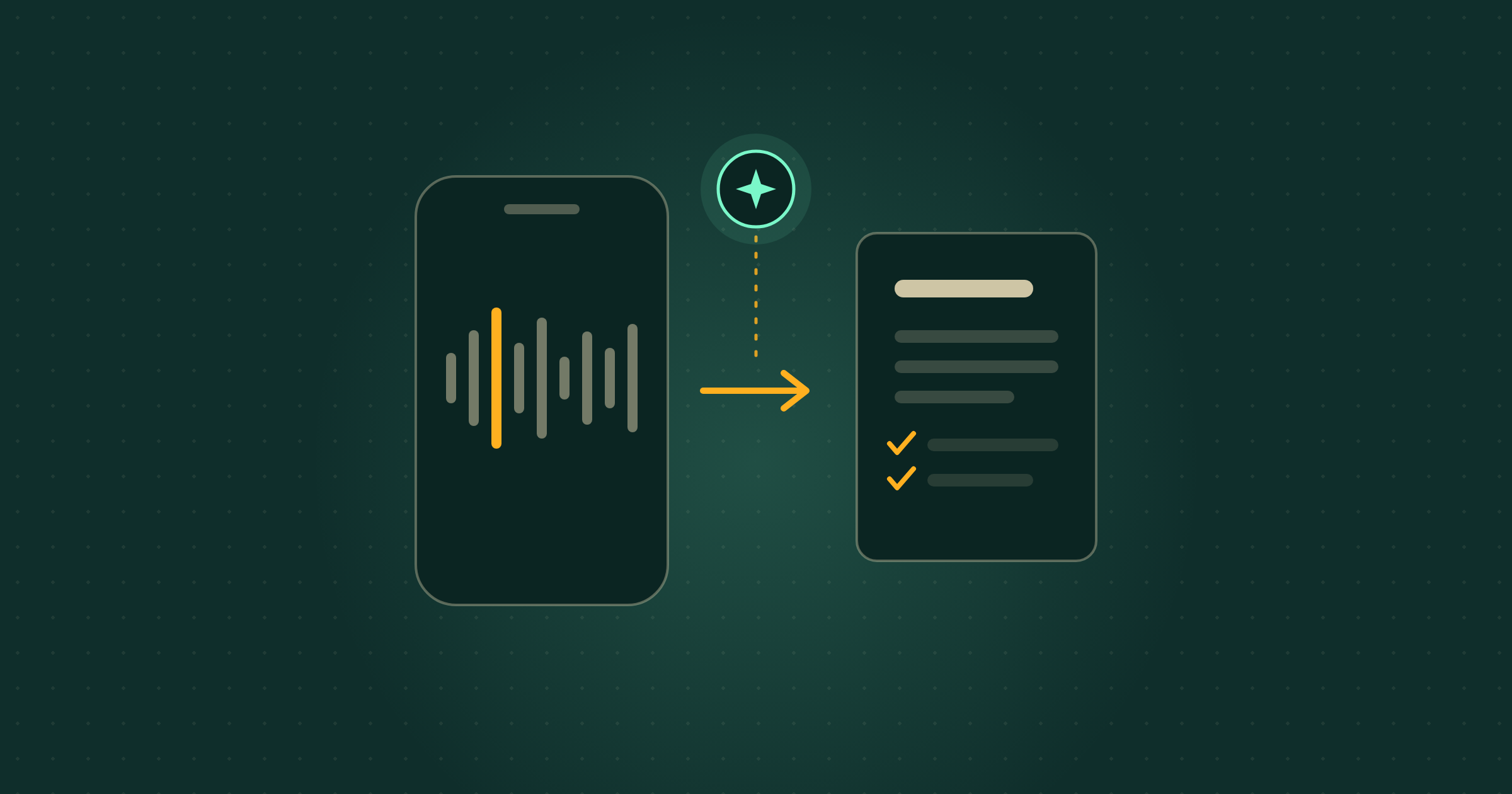
You can now open Google Meet on the web or on your phone, choose “Take notes” from the home screen, and record the room instead. Nobody starts a call and nobody joins anything. When you press stop, Google’s post says the system “automatically compiles a structured notes summary, action items, and complete transcript into a Google Doc, saved directly to Google Drive, and emails the link to you.” The document lands in the Drive of whoever switched the feature on, and you can pause and resume mid-meeting.
Which plans get it?
Google lists the qualifying editions directly. On a work account: Business Standard and Business Plus, Enterprise Standard and Enterprise Plus, and Frontline Plus. On a personal account: Google AI Pro and Google AI Ultra. In education: the Google AI Pro for Education add-on.
Two absences are worth knowing about before you plan anything. Business Starter, the cheapest paid Workspace tier and the one a lot of small UK firms sit on, is not on that list. Neither is the free Gemini tier. If you are on either, this is an upgrade decision rather than a new button.
Your administrator also has a say. Google says the feature “will be controlled by existing Google Meet notes settings”, so if your organisation switched the note-taker off, this arrives switched off too.
When can I actually use it?
Sooner on Android than anywhere else. Google’s published rollout has Android starting on 11 August 2026, the web starting no sooner than 14 August 2026, and iOS no sooner than 31 August 2026. All three are flagged as an extended rollout, which Google defines as “potentially longer than 15 days for feature visibility”. If you are on an iPhone and it is not there, nothing is broken. It has not reached you yet.
Do I have to tell people they are being recorded?
Google’s own help page for this feature gives no guidance on that at all, and that silence is the thing to pay attention to. Recording a meeting captures the voices of identifiable people, which makes it personal data under UK data protection law, and the responsibility for handling it sits with you rather than with Google.
The practical version is short. Say it out loud before you press start, and put a line in the calendar invite so nobody is surprised. If someone objects, take notes the old way. If the meeting covers anything sensitive, such as a disciplinary or a client’s finances, get advice from whoever handles your data protection first. The transcript also lands in one person’s Drive, so decide whose account runs it and who may see the file.
How long does the meeting need to be?
Google’s help documentation recommends a length of 15 minutes or more for good results. A five-minute corridor conversation is not what this is for. An hour with a client, a supplier review or a Monday team meeting is.
What this means for your business
Take a three-person building firm doing two client site visits a week. At the moment someone types half-remembered notes into their phone in the van afterwards, and six weeks later there is a polite disagreement about what was agreed on the kitchen extension. With this, the Android phone sits on the worktop, the visit is recorded, and by the time they are back at the office there is a Google Doc holding the scope discussed, the action items and a transcript they can search when the client’s memory and theirs part company.
The cost verdict is simple. If you already pay for Workspace Business Standard or a personal Google AI Pro plan, this is included and trying it takes about a minute. If you are on Business Starter or the free Gemini tier, do not upgrade for this alone until you have tested how it copes with your actual meetings. The honest caveat: this is a phone microphone in a real room, so people talking over each other, strong accents and a noisy café all produce a worse transcript than a headset on a video call. Read the document before you forward it, and treat the action items as a first draft.
What to ignore
Ignore the wave of standalone Ai note-taker apps being sold hard at small businesses right now, at least until you have checked what you already own. If you pay for Business Standard or Google AI Pro, you are being asked to buy something twice. Ignore the launch-day urgency too: the web starts no sooner than 14 August and iPhones no sooner than 31 August, so there is no advantage in hunting for a button that has not arrived. And ignore the framing that this removes the need for a human to run the meeting. It writes down what was said. Deciding what matters is still the job.
What should a small business do next?
Three steps, none of them long. First, check which plan you are on, in your Google Admin console or your personal Google One plan page, against the qualifying list above. Second, if you have an Android phone, open Google Meet, look for “Take notes” on the home screen and run it on one internal meeting of 15 minutes or more, so the first time is not in front of a client. Third, write one sentence for your calendar invites and say it out loud at the start of any recorded meeting, so consent is handled the same way every time rather than remembered on the day.
If you already lean on Gemini elsewhere, this joins a run of the same idea landing across Google’s apps: Gemini writing and editing inside Google Docs, custom refine instructions in Gmail, and dictation on the Mac. The pattern is the same each time. The tool is capable, and the value comes from deciding which job you hand it and what you do with the output. That decision is what our Membership hours exist for.
Where Breezi fits
A tool that writes your meeting notes is a good week. A business where those notes turn into the follow-up email, the quote and the diary entry without you doing it twice is the point. Membership gives you bespoke hours with a senior Ai team every month: you bring the problem, we build the prompt, workflow or automation that handles it. Lahat Creative, a UK marketing agency, reclaimed up to 30% of their working hours every month doing exactly that. Consultancy does the same at the scale of a team or a whole organisation, the way we did for the financial platform Uphold.
Free guide
Not sure where to start?
Get the cheat sheet.
ChatGPT, Claude, Gemini, Microsoft Copilot, Perplexity, and NotebookLM. What each one is for, how to set it up, and what to do in your first hour. Plain English. Ten pages. No fluff.
Sent
Your guide is downloading.
Didn’t start? Download it manually here.
If you opted in, the next Tuesday Memo lands in your inbox on Tuesday morning.
You’ll also get the occasional email about Ai that’s actually worth reading. Unsubscribe whenever.