ARTICLE
What Gemini voice on Mac means for your business
On 29 July 2026 Google gave the Gemini app for macOS a voice mode that works in every window on your desktop. Hold the Fn key, talk, and tidy written text appears where your cursor is. The half worth knowing about is switched off until you turn it on.
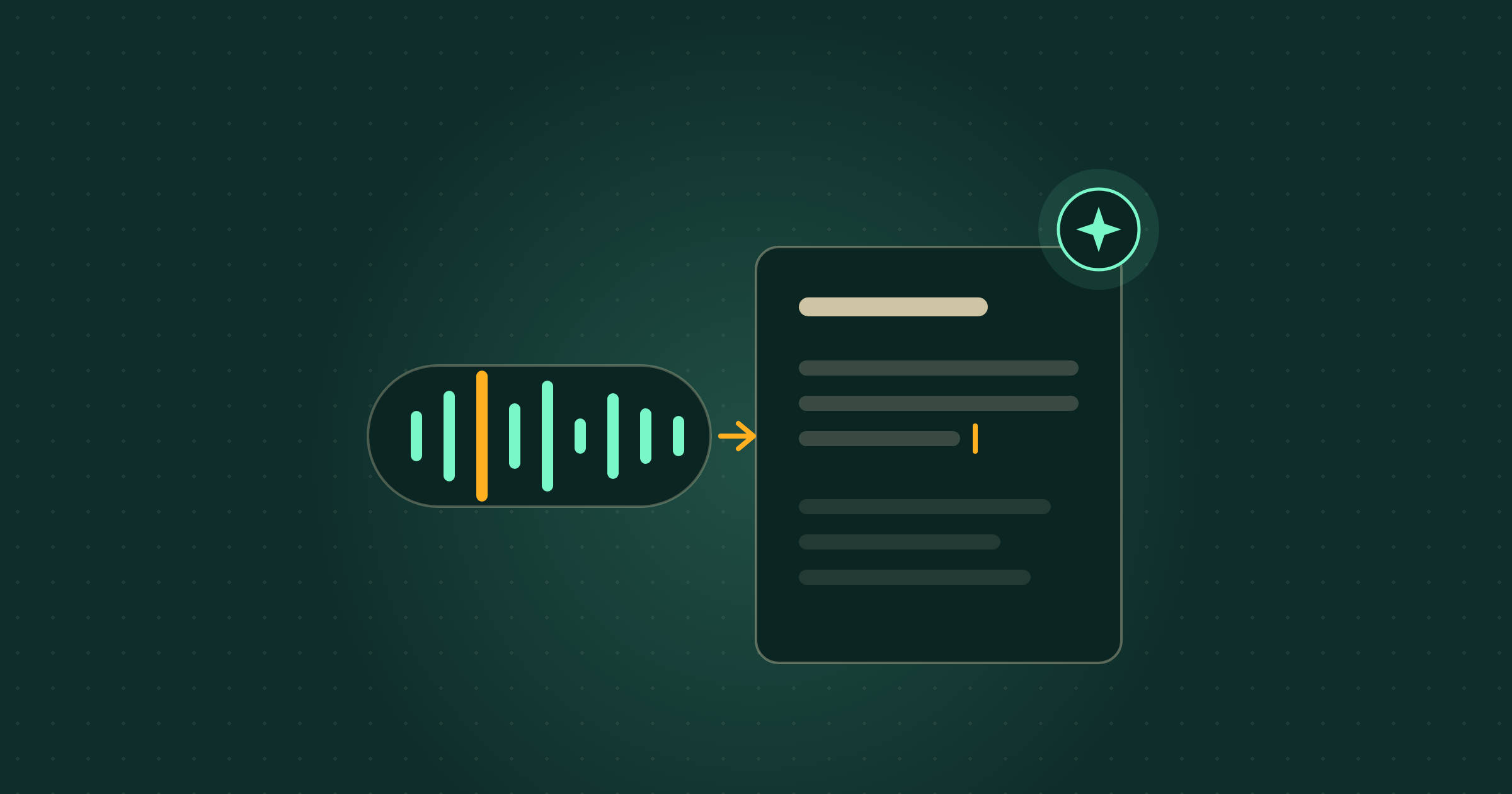
On 29 July 2026, Google announced new voice capabilities in the Gemini app for macOS. In plain terms: long-press the Fn key on your Mac, speak, and Gemini drops clean written text straight into whatever you are working in, whether that is an email, an invoice note or a WhatsApp reply in a browser tab.
Most coverage will call this dictation, which undersells it and oversells it at the same time. What Gemini voice on Mac means for your business depends entirely on one setting. Out of the box you get transcription that has been cleaned up: the “ums” and “ahs” removed, mid-sentence corrections understood rather than typed out, and formatted text dropped at your cursor. Turn on a second option and Gemini can also read what is on your screen and act on it, so talking becomes a way of editing documents and files rather than only a way of writing sentences.
What actually changed?
Google added a voice trigger to its Mac desktop app. Long-pressing the Fn key, the function key on your Mac keyboard, starts listening in any window, not only inside the Gemini app. By default that gives you what Google calls intelligent dictation. In its own words, the feature is “rolling out globally to all users of the Gemini app for macOS in English, with more languages coming soon”. You download the app at gemini.google/mac.
Source: Google, “Gemini for macOS adds new natural language capabilities”, 29 July 2026
How is this different from the dictation I already have?
It edits as it listens. Plain dictation writes down what you said, filler and false starts included, which is why most people try it once and go back to the keyboard. Google says its version strips the “ums” and “ahs”, catches mid-sentence corrections, and drops formatted text at your cursor. That is the difference between a transcript you then have to rewrite and a paragraph you can send.
What does the reasoning setting add?
Context. Google describes it as opting into Gemini reasoning through your settings, and once it is on, Gemini can understand what is on your screen and carry out a task rather than only write down words. Reasoning here means Gemini works out what you are asking for from what it can see, instead of treating your speech as text to be copied. Google gives three uses:
- Pull the useful bits out of files. Select local files, images or documents on the desktop and say what you need from them, such as reading a set of records and summarising them into an email.
- Rewrite text that is already on screen. Select it, say how you want it changed, and the new version replaces it. Google’s own example is “Turn these notes into an executive summary with a TL;DR at the top.”
- Make and change images. Generate a visual by describing it, or point at one you already have and ask for a variation of it.
Worth noting: reasoning is off until you switch it on, so anyone who installs the app and tries it for five minutes is testing the least interesting half.
Does this cost extra?
Google’s announcement names no price and no paid tier. It says the capability is rolling out globally to all users of the Gemini app for macOS in English. That reads as included rather than as an upgrade, but Google has not published a tier list for this feature, so check what your own account shows before you plan around it. If you are already paying for a Google plan with Gemini in it, nothing here suggests a second bill.
Does it work on Windows?
Not from this announcement. Google’s post covers the Mac app only, and the one expansion it commits to is more languages, not more operating systems. If your team is on Windows, this is one to file rather than act on.
What this means for your business
Take a three-person building firm. The owner spends the day on site and the evening writing up quotes, chasing materials and answering customer emails on a MacBook, and hates every minute of it. With this, the site notes get spoken into the quote document at 5pm instead of typed at 9pm, and a rambling voice note about a job becomes a customer-ready paragraph without a rewrite. The same trick works on the parts of admin nobody bills for: supplier chasers, handover notes, the reply to the awkward email you have been avoiding since Tuesday.
Cost and effort verdict: an app download and about ten minutes, with nothing to configure beyond one setting, and Google names no price. The honest caveat is that speaking is not thinking. Voice makes it very easy to produce a lot of text quickly, and text produced quickly reads exactly like that. Anything going to a customer, a bank or an insurer still needs your eyes on it before it goes out. The second caveat is a judgement call rather than a fault: with reasoning on, Gemini is reading the screen and the files you point it at, and Google’s post does not say what is processed on your Mac and what leaves it, so keep genuinely confidential documents out of it until you know. If you want a view on which of your own tasks are safe to hand over, that is the kind of question our Membership hours get spent on.
What to ignore
Ignore the “you will never type again” framing. You will. Voice is better than the keyboard for first drafts, notes and anything you would otherwise put off, and worse for anything requiring precision: numbers, names, addresses, legal wording, prices. The useful habit is not switching to voice, it is noticing which jobs you have been avoiding because typing them is tedious, and doing those out loud. Also ignore the image generation demo. It is the most fun part of the announcement and the least likely to change your week.
What should a small business do next?
If you work on a Mac, install the app from gemini.google/mac, turn on the reasoning setting rather than leaving the default, and give it one real job today: the follow-up email you have not written. Ten minutes tells you whether it earns a place in your day. The same shift is already in tools you have, and we have covered it in ChatGPT’s voice model, in Gemini reading and using a screen, and in Gemini inside Google Docs. The pattern is always the same: the capability arrives quietly in something you already pay for, and almost nobody turns it on.
Where Breezi fits
A new feature is a good day. A feature that quietly runs the parts of your business you never have time for is the point. Membership gives you bespoke hours with a senior Ai team every month: you bring the problem, we build the prompt, workflow or automation that handles it. Lahat Creative, a UK marketing agency, reclaimed up to 30% of their working hours every month doing exactly that. Consultancy does the same at the scale of a team or a whole organisation, the way we did for the financial platform Uphold.
Free guide
Not sure where to start?
Get the cheat sheet.
ChatGPT, Claude, Gemini, Microsoft Copilot, Perplexity, and NotebookLM. What each one is for, how to set it up, and what to do in your first hour. Plain English. Ten pages. No fluff.
Sent
Your guide is downloading.
Didn’t start? Download it manually here.
If you opted in, the next Tuesday Memo lands in your inbox on Tuesday morning.
You’ll also get the occasional email about Ai that’s actually worth reading. Unsubscribe whenever.