ARTICLE
Gemini can now use a computer. What that means for your business
On 24 June 2026, Google gave its Gemini model the ability to use a computer: to look at a screen and click, type and move around apps the way a person would. It is a tool for developers today, not a button in the Gemini app you already use. Here is what it actually is, and the part the headlines will overstate.
On 24 June 2026, Google added a feature called “computer use” to its Gemini 3.5 Flash model. In plain terms: it lets software see a screen and operate it, clicking and typing across a browser or app the way you would. Today it is aimed at people who build software, not something you switch on in the Gemini app.
You will see a lot of excitable coverage about this. The calmer version is more useful. Google has handed developers a way to build software that operates other software on a screen. It is an early, careful step towards the “Ai agents” everyone keeps promising, and it is worth understanding so you can tell the real thing from the noise.
What actually changed?
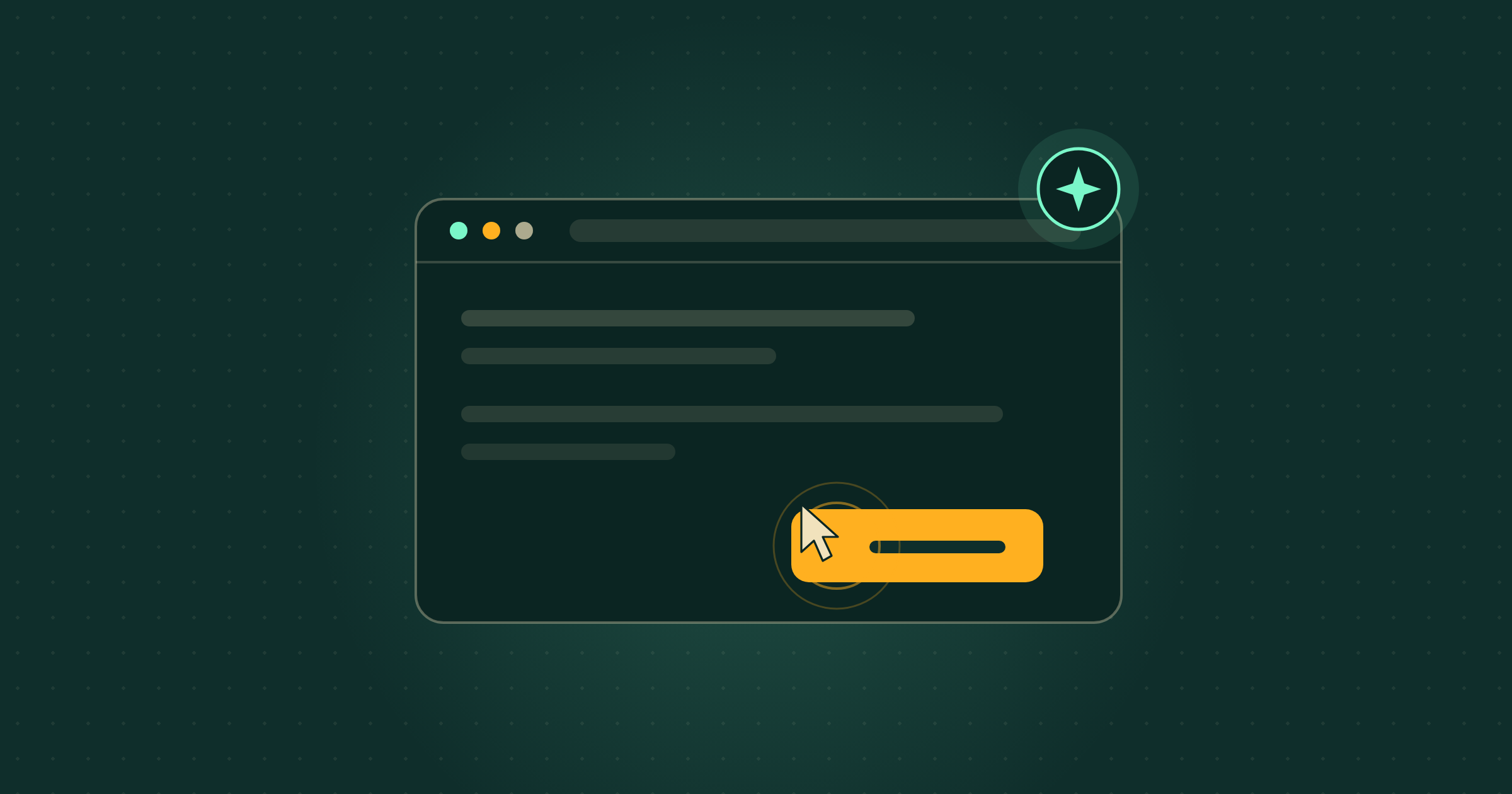
Google added computer use to Gemini 3.5 Flash, one of its faster models. Computer use means the model can see what is on a screen and act on it: read a page, click a button, fill a box, move from one step to the next. In Google’s words, developers can now use 3.5 Flash to “reliably build custom agents that can see, reason and take action across browser, mobile and desktop environments”. It is available now through Google’s developer tools and its enterprise agent platform.
Source: Google, Introducing computer use in Gemini 3.5 Flash
So can I use it in the Gemini app today?
No. This is not a switch in the Gemini app on your phone or laptop. It is a building block for the people who write software, not a feature for the people who use it. For most businesses the right response today is to understand it, not to chase it. If a tool you already pay for builds an agent on top of this, you will hear about it through that tool, when it is ready.
What this means for your business
Computer use is the engine behind the “Ai agent” you keep hearing about: software that does not just answer a question, but carries out a task by operating the same apps you do. Picture a tool that logs into a supplier portal, pulls the week’s invoices and drops them into your accounts, without you clicking through each one. That is the promise.
The honest verdict for today: this is early, it is aimed at developers, and Google itself says to run it with “secure sandboxing, human-in-the-loop verification and strict access controls”. In plain English, even the company that built it does not suggest letting it loose unsupervised. Treat it as a sign of where things are heading this year, not a job you can hand over this week.
What to ignore
Ignore any headline that says Ai can now run your business, or do your job at the computer while you sleep. It cannot, not reliably, and not without a person watching. The loudest takes this week will skip the part where the maker recommends a human checks the work. Computer use is real and it is genuine progress. The fantasy of the hands-off autonomous worker is still a fantasy. Be patient with it.
What should a small business do next?
Do not wait for the agents. The businesses getting value from Ai this year are the ones using it as a sharp assistant for real, repetitive jobs: drafting, summarising, decoding a confusing document, first passes at admin and quoting. Get good at directing Ai on the work you actually do, and you will be ready to plug in an agent the day a tool you trust offers one that works. The skill that pays off now is knowing which of your tasks are worth handing over, and how to brief them clearly.
Where Breezi fits
A new capability is a good headline. A workflow that quietly takes a real job off your plate is the point. Membership gives you bespoke hours with a senior Ai team every month: you bring the task, we build the prompt, workflow or automation that handles it. Lahat Creative, a UK marketing agency, reclaimed up to 30% of their working hours every month doing exactly that. Consultancy does the same at the scale of a team or a whole organisation, the way one of our founders did inside a global financial platform.
Free guide
Not sure where to start?
Get the cheat sheet.
ChatGPT, Claude, Gemini, Microsoft Copilot, Perplexity, and NotebookLM. What each one is for, how to set it up, and what to do in your first hour. Plain English. Ten pages. No fluff.
Sent
Your guide is downloading.
Didn’t start? Download it manually here.
If you opted in, the next Tuesday Memo lands in your inbox on Tuesday morning.
You’ll also get the occasional email about Ai that’s actually worth reading. Unsubscribe whenever.