ARTICLE
Gemini Spark in Chrome: what UK businesses need to know
On 30 July 2026 Google put Gemini Spark, its background Ai agent, inside Chrome and opened access to Google AI Pro subscribers in over 160 more countries. Google’s own help page still excludes the United Kingdom. Here is what that changes for a business here, and what to set up instead.
On 30 July 2026, Google announced that Gemini Spark now works with Chrome and that access is rolling out to Google AI Pro subscribers in over 160 additional countries. In plain terms: Google’s Ai agent can now sign into websites as you and finish routine web jobs on your behalf. If you are in the United Kingdom, you still cannot use it.
Most coverage leads with the agent doing your errands while you sleep. Two details underneath it matter more. Britain is on Google’s exclusion list for Spark, so the 160-country expansion is not the one you are in. And Spark only runs on a personal Google Account, which rules out anyone whose working life sits on a Google Workspace account, wherever they live.
What actually changed?
Two things, announced together. Gemini Spark is an Ai agent, meaning software that carries out multi-step jobs for you rather than answering one question at a time. Google describes it plainly on its own product page: “Give it a task and it works in the background 24/7, even if your phone and laptop are turned off.”
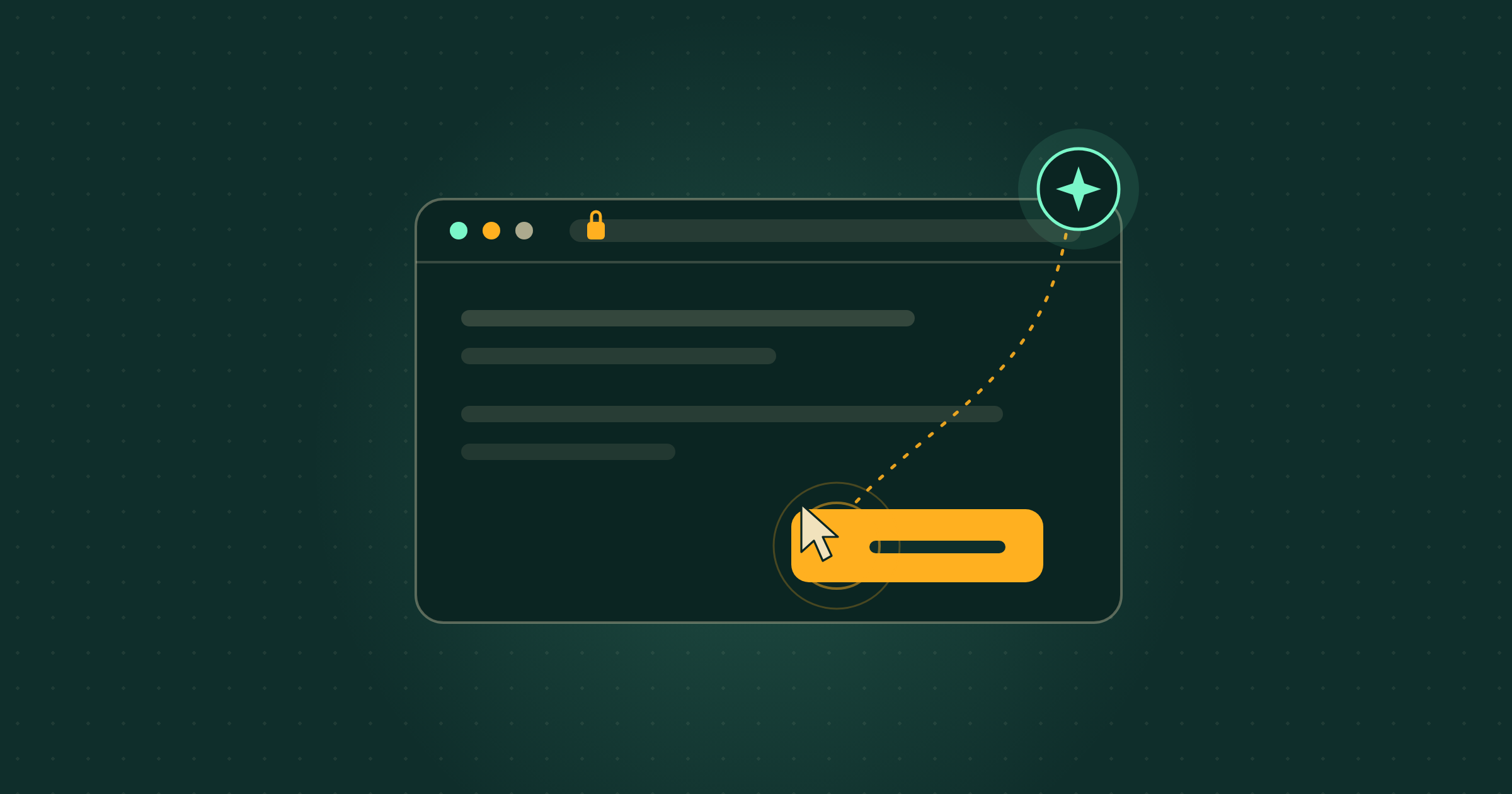
The first change is a Chrome integration Google calls auto browse. In Google’s words, “with your permission, Spark can use your logged-in accounts and saved passwords to handle tedious web errands, like scheduling viewings for apartments you’ve saved or researching flight options and starting the booking process”. Google says this happens “while protecting against threats like prompt injection and keeping you in the loop on sensitive actions, such as payments, by handing the task back to you”. Those capabilities are “initially rolling out in the U.S. with plans to expand to additional regions in the future”.
The second change is access. Google is “rolling out access for Google AI Pro subscribers in over 160 additional countries starting today”. Until now, Google’s Spark page described the agent as available to Google AI Ultra subscribers in select countries plus some business users, so the direction of travel is wider and cheaper.
Source: Google, “Gemini Spark now integrates with Chrome”, 30 July 2026
Can UK businesses use Gemini Spark?
No, not today. Google’s own help page for Spark states that the feature is “available wherever Gemini Apps are supported, except in the European Economic Area, Nigeria, Switzerland and the United Kingdom”. Google gives no reason for the exclusion and no date for lifting it. A Google AI Pro subscription does not change that: the country restriction sits on top of the subscription requirement, not instead of it.
Worth saying out loud, because “over 160 additional countries” reads like a global switch-on and for British readers it is not one. If you looked for Spark today and could not find it, nothing is wrong with your account.
What is auto browse, in plain English?
It is the agent driving a web browser with your existing logins instead of asking you to do it. Google’s examples are booking travel and arranging viewings. The part to sit with is the sentence about saved passwords: the agent is handed the keys to sites you are already signed into. Prompt injection, the threat Google names, means hidden instructions buried in a web page that try to redirect the Ai away from your instruction and towards someone else’s.
Google’s guidance on the same help page is blunt about the limits: “Do not enter sign-in info, payment details or info that you may find sensitive directly into the task thread.” An agent that acts on live websites is useful and it is also a new place for something to go wrong, and Google is saying so rather than hiding it.
Would it work on a business Google account?
No. Google requires a personal Google Account and states that Spark “isn’t available if you sign in with a work or school Google Account”. You also need a Google AI Pro or Ultra subscription and to be 18 or over, and Spark appears only in the Gemini mobile app, the Gemini app on Mac and the web app.
For a small firm running on Google Workspace, that is the quiet blocker. Even on the day Britain is added, the account most of your work lives in would be the wrong one.
What this means for your business
Picture a four-person recruitment agency that starts every morning by logging into three job boards, checking new applicants and copying them into a spreadsheet. That is exactly the shape of job auto browse is built for, and it is the reason this launch is worth watching rather than ignoring. It is also, today, unavailable to that agency: wrong country, and probably the wrong type of Google account.
The cost verdict is easy, then. Spend nothing and change nothing this week, and put the effort into the scheduled work you can already automate in the tools you pay for, covered below. The caveat for when it does arrive: an agent using your saved passwords is a decision to take deliberately, on a short list of sites you are comfortable handing over, not switched on everywhere because a demo looked impressive.
What to ignore
Ignore this week’s round of “your Ai agent now runs your admin while you sleep” posts. Not because agents are fake, but because the demonstrations attached to this launch are consumer errands, flights and flat viewings, and the product behind them is not sold here. Ignore, too, any advice to use a VPN or a different regional account to reach it early. That means handing your saved passwords to an agent in an unsupported setup, which is a poor trade for a feature that will arrive properly anyway.
What should a small business do next?
Set up the nearest thing that does work here. Scheduled actions in the Gemini app let you tell Gemini to run a prompt on a repeating schedule and have the answer waiting for you. Unlike the Spark page, Google’s help page for scheduled actions lists no country exclusion, and it accepts either a personal Google Account with a Google AI subscription or a work or school account on a qualifying edition of Google Workspace. You can have up to ten active at a time, and Keep activity has to be switched on.
Start with one, not ten. A Monday 8am digest of your calendar and the week’s unanswered emails takes two minutes to set up and tells you within a fortnight whether this style of working suits you. Our notes on Gemini’s voice controls on the Mac and on Gemini inside Google Docs cover two more things in the same subscription that do work here, and OpenAI’s research on how work crosses job lines explains why the smallest firms feel this first.
If you would rather someone worked out which of these is worth your time, that is what Membership is for.
Where Breezi fits
An agent that logs into websites for you is a good headline. A workflow that quietly handles the job you never get to on a Friday is the point. Membership gives you bespoke hours with a senior Ai team every month: you bring the problem, we build the prompt, workflow or automation that handles it. Lahat Creative, a UK marketing agency, reclaimed up to 30% of their working hours every month doing exactly that. Consultancy does the same at the scale of a team or a whole organisation, the way we did for the financial platform Uphold.
Free guide
Not sure where to start?
Get the cheat sheet.
ChatGPT, Claude, Gemini, Microsoft Copilot, Perplexity, and NotebookLM. What each one is for, how to set it up, and what to do in your first hour. Plain English. Ten pages. No fluff.
Sent
Your guide is downloading.
Didn’t start? Download it manually here.
If you opted in, the next Tuesday Memo lands in your inbox on Tuesday morning.
You’ll also get the occasional email about Ai that’s actually worth reading. Unsubscribe whenever.